
As a freelance musician who's spent years battling the chaos of receipt management, I understand the unique challenges we face as independent professionals. Between instrument repairs, DAW subscriptions, sheet music, studio rental fees, union dues, and gig income that arrives as a mix of cash envelopes, Venmo transfers, and occasional checks — the paper trail of a working musician is messier than most freelancers'. From stuffing paper receipts into shoeboxes to frantically searching through email for invoices at tax time, tracking expenses can be one of the most tedious aspects of freelancing.
But proper expense tracking isn't just about organization—it's about maximizing tax deductions, understanding your business finances, and saving both time and money. For musicians, that means capturing deductions for instrument insurance, home practice space, music education costs, and the miles you rack up driving to gigs and rehearsals. After testing numerous solutions over the years, I've compiled this list of the best expense tracking apps specifically designed for freelancers — with notes throughout on how each fits the realities of a working musician.
What to Look for in an Expense Tracking App
Before diving into the recommendations, here are the key features that matter most for freelancers:
- Reliable OCR technology: The ability to accurately scan and extract information from receipts
- Mobile app quality: A user-friendly interface that makes capturing expenses on-the-go simple
- Multi-currency support: Essential for freelancers who work with international clients
- Receipt management: Easy organization and retrieval of digital and physical receipts
- Email integration: Automatic processing of emailed receipts and invoices
- Tax category suggestions: Help with properly categorizing expenses for maximum deductions
- Reasonable pricing: Fair cost relative to the features offered
Now, let's explore the top options available in 2026, starting with my personal favorite.
1. SparkReceipt - Best Overall for Freelance Musicians ($)
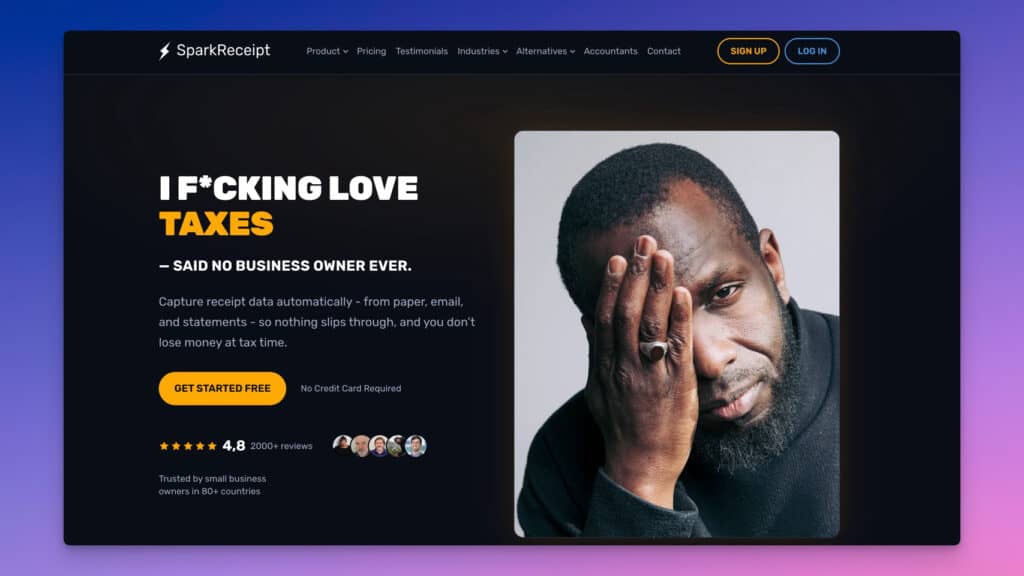
As a freelancer who's tried numerous expense tracking solutions, SparkReceipt stands out as the perfect balance between functionality and simplicity. This AI-powered receipt scanner and expense tracker has genuinely transformed how I manage my business finances — particularly the ability to create separate workspaces for different income streams (teaching, performing, session work), which makes keeping those buckets clean at tax time far less painful.
Pros:
- Exceptional AI accuracy: Uses ChatGPT technology to intelligently extract and categorize information
- Clean, intuitive interface: Doesn't overwhelm users with unnecessary complexity
- Outstanding multi-currency support: Handles over 150 currencies with historical conversion rates
- Seamless e-receipt management: Dedicated email address for forwarding digital receipts
- Fast processing times: 2–3 seconds per document
- Cloud storage: Secure document storage for 10+ years
- Affordable pricing: $6.58/month (billed annually at $79/year) with lifetime price lock guarantee
Cons:
- Bank statement extraction is limited by credits, even on paid plans
- Mobile app occasionally struggles with very poor lighting conditions
Best for: Musicians who juggle multiple income streams — teaching, performing, session work — and need to keep them cleanly separated without paying enterprise prices. The multi-currency support also matters if you play international gigs or invoice clients abroad.
Read my full SparkReceipt review here
2. FreshBooks - Best for Complete Financial Management ($$)
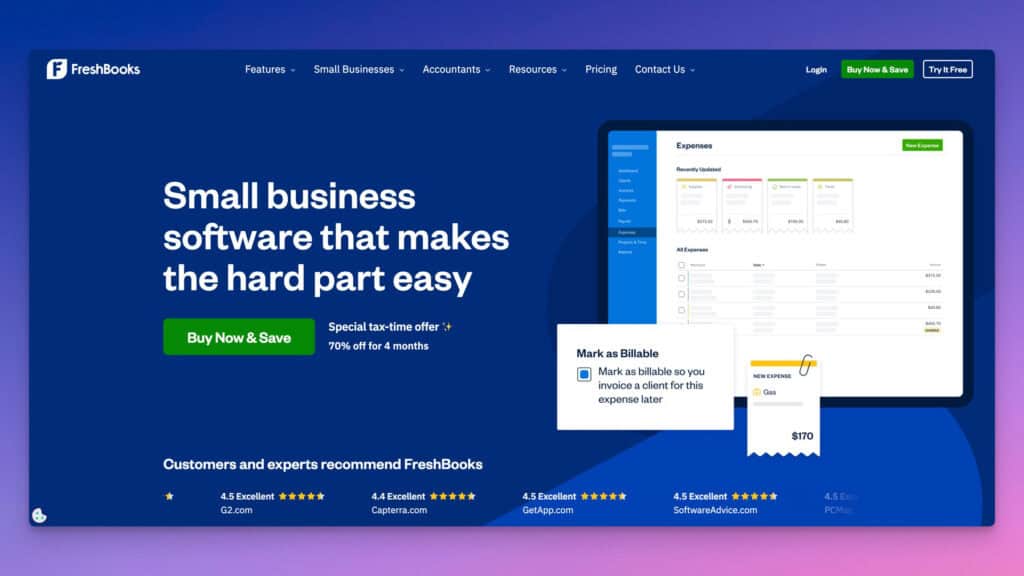
FreshBooks is a comprehensive accounting solution that includes robust expense tracking features as part of its overall package. It's ideal for freelancers who want to manage all aspects of their finances in one place — and for musicians who teach private lessons, the ability to create professional invoices and set up recurring billing for regular students is a genuinely useful differentiator.
Pros:
- All-in-one solution: Combines invoicing, time tracking, project management, and expense tracking
- Strong mobile app: Snap receipt photos on the go
- Bank connection: Automatically import transactions
- Client portal: Makes sharing financial information with clients or accountants simple
- Mileage tracking: Built-in feature for tracking travel expenses
Cons:
- Higher price point than dedicated expense trackers
- Can feel overwhelming with features you may not need
- More expensive for multiple team members
Best for: Music teachers and performer-teachers who need invoicing, time tracking, and expense management in a single tool. If you're billing 10–20 private students while also tracking gear and travel expenses, FreshBooks keeps it all in one place.
3. Expensify - Best for Travel-Heavy Freelancers ($$)
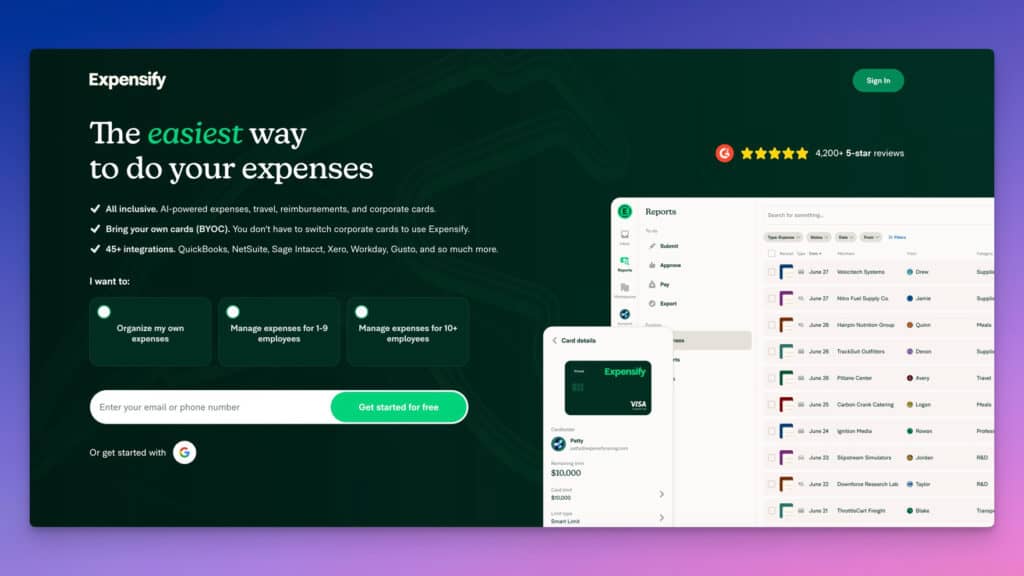
Expensify is a popular expense management tool with powerful features, though it can feel somewhat bloated and slow for simple freelance needs. Where it genuinely shines is heavy travel — think touring musicians driving long distances with gear, flying to festival dates, or working residencies in multiple cities.
Pros:
- SmartScan technology: Automatic receipt scanning and data extraction
- GPS mileage tracking: Excellent for frequent travelers
- Corporate card integration: Useful if you have a business credit card
- Foreign currency support: Good for international expenses
- Robust reporting: Detailed financial reports
Cons:
- Interface can feel complex and slow
- Higher price point for full functionality
- Steeper learning curve than alternatives
- Better suited for medium to large businesses than solo freelancers
Best for: Touring and gigging musicians who clock significant mileage hauling gear to venues, travel to festivals, or take international engagements where multi-currency tracking earns its keep.
4. Zoho Expense - Best Budget Option ($)
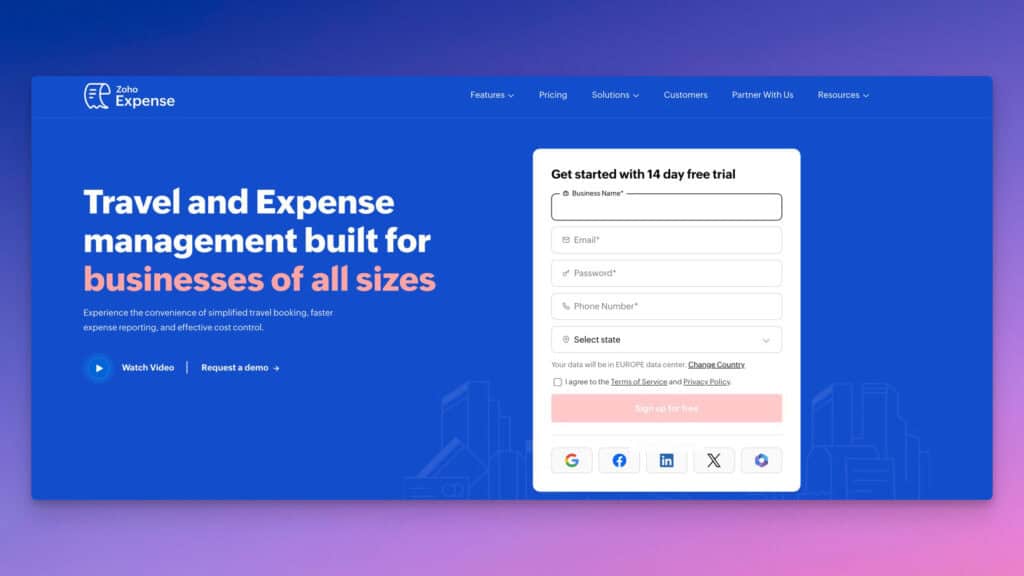
Zoho Expense is part of the broader Zoho ecosystem of business tools, making it a good option for freelancers already using other Zoho products.
Pros:
- Affordable pricing tiers: Good value for money
- Clean mobile interface: Simple receipt scanning
- Web OCR facility: Good at extracting receipt information
- Strong integration: Works well with other Zoho products
- Multi-language support: Functions in various languages
Cons:
- Less intuitive as a standalone product
- Not as freelancer-focused as alternatives
- Free plan is limited to a small number of scans
Best for: Budget-conscious musicians or music teachers already using other Zoho tools (like Zoho Invoice for billing students), who want to keep everything within one ecosystem at a low monthly cost.
5. Bonsai Tax - Best for Tax Optimization ($$)
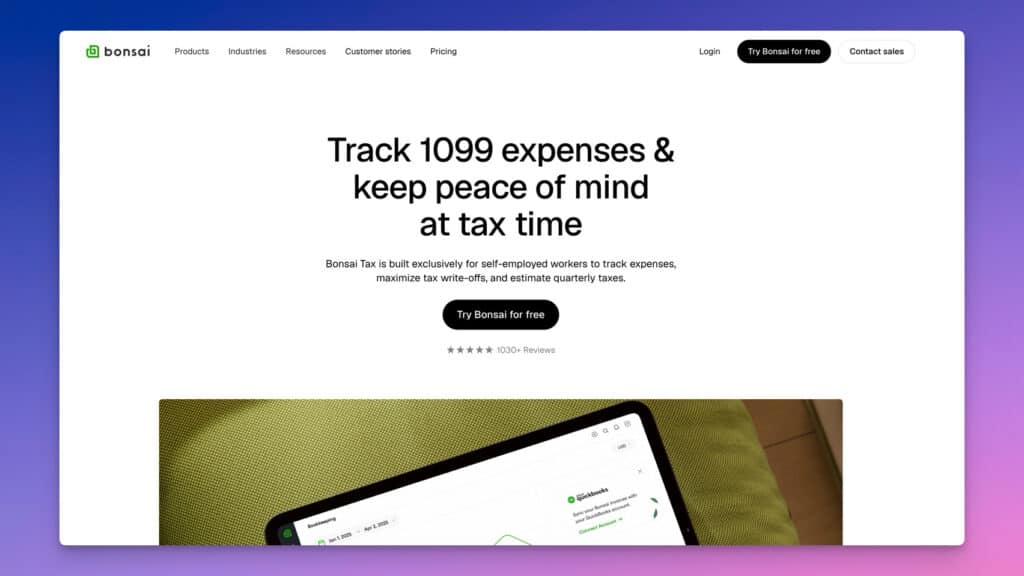
Bonsai Tax is specifically designed to help freelancers maximize tax deductions and streamline tax preparation. For musicians with lumpy, unpredictable income — slow winters, then a packed summer of festival and wedding gigs — the quarterly estimated tax tools are especially valuable for avoiding a brutal surprise come April.
Pros:
- Tax-focused features: Helps identify potential deductions
- Quarterly tax estimates: Assists with tax planning
- Notification system: Reminds you of tax filing deadlines
- Receipt scanner: Automatically imports expenses
- Auto-categorization: Helps organize expenses for tax purposes
Cons:
- More focused on taxes than general expense management
- Limited free trial requires credit card information
- Part of a larger freelancer toolkit, which may be overkill for some
Best for: Session musicians and performers with irregular income who need help estimating quarterly taxes and want an app that actively looks for profession-specific deductions rather than waiting for you to know they exist.
6. Wave - Best Free Option (Free/$)
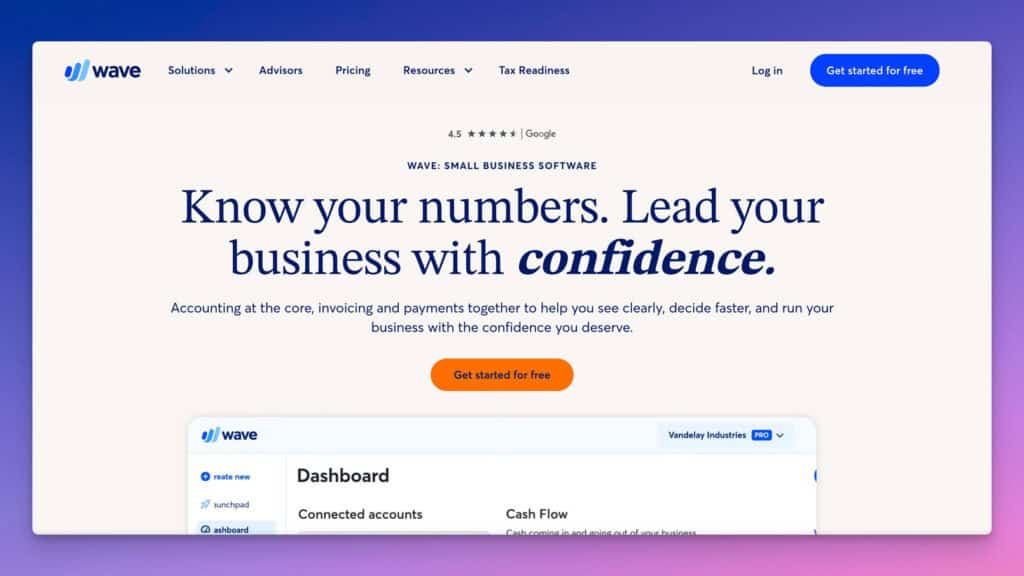
Wave offers free accounting and invoicing tools with paid add-ons for additional features, making it a good starting point for new freelancers.
Pros:
- Free accounting software: No cost for basic features
- Unlimited invoicing: Create and send unlimited invoices
- Receipt scanning: Available with paid add-on
- Income and expense tracking: Basic tracking capabilities
- Simple interface: Easy to navigate
Cons:
- Limited customer support for free users
- Mobile app has received mixed reviews
- Lacks advanced features of paid alternatives
- Receipt scanning requires paid subscription
Best for: Musicians just starting to treat their playing as a formal business, or hobbyist performers with a handful of paid gigs a year who need basic expense tracking without a monthly subscription.
7. QuickBooks Solopreneur (formerly Self-Employed) - Best for Tax Integration ($$$)
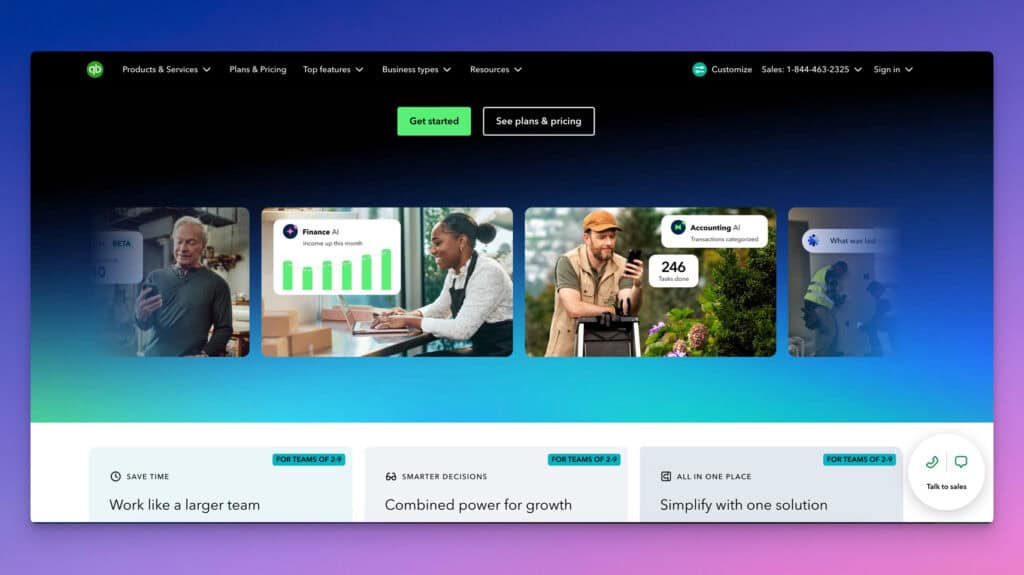
Note (2026): QuickBooks Self-Employed has been discontinued for new users and replaced by QuickBooks Solopreneur, which offers the same core features plus improved transaction management, business growth tools, and a smoother upgrade path to other QuickBooks Online plans. QuickBooks Solopreneur is designed specifically for freelancers and offers strong integration with tax preparation software.
Pros:
- Strong tax integration: Works seamlessly with TurboTax
- Automatic mileage tracking: GPS-based mileage tracker
- Transaction categorization: Helps separate business and personal expenses
- Quarterly tax estimates: Calculates estimated taxes
- Receipt matching: Connects receipts to transactions
Cons:
- Higher price point than many alternatives
- Can feel complex for simpler freelance operations
- Limited customization options
- Mobile app can be glitchy
Best for: Musicians with genuinely complex income — royalties, sync licensing, teaching, and live performance — who already use TurboTax and want all those income streams to flow cleanly into one return.
8. Everlance - Best for Mileage Tracking ($)
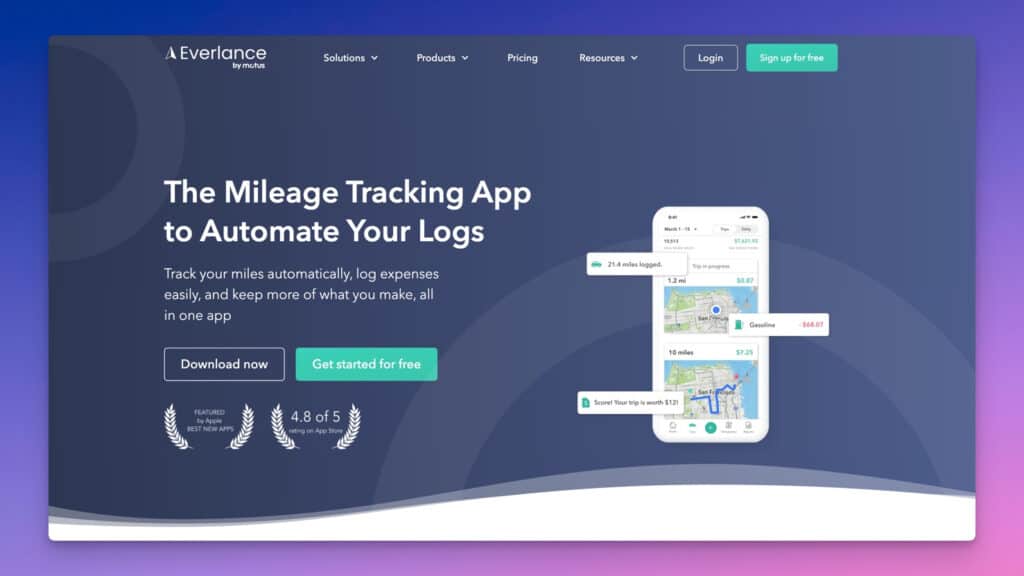
Everlance excels at mileage tracking, making it ideal for freelancers who drive frequently for business purposes. For gigging musicians, every drive to a rehearsal, venue load-in, or private lesson counts as a deductible business trip — and Everlance's automatic trip detection means you don't have to remember to log it at 11pm after a four-hour set.
Pros:
- Automatic trip tracking: Records trips without manual input
- Unlimited receipt uploads: Even on the free plan
- Deduction finder: Helps identify potential tax deductions
- IRS-compliant reporting: Meets tax documentation requirements
- User-friendly interface: Simple to navigate
Cons:
- Limited to 30 automatically tracked trips on free plan
- Primary focus is on mileage rather than comprehensive expense tracking
- Only supports USD
Best for: Gigging musicians who drive regularly to venues, rehearsal spaces, and students' homes — the automatic trip detection catches every deductible mile, including the ones you'd never have remembered to log yourself.
Comparison Table
|
App |
Best For |
Price Range |
OCR Quality |
Mobile App |
Multi-Currency |
|---|---|---|---|---|---|
|
SparkReceipt |
Overall Balance |
$ |
Excellent |
Excellent |
Excellent |
|
FreshBooks |
Complete Financial Management |
$$ |
Very Good |
Excellent |
Good |
|
Expensify |
Travel-Heavy Freelancers |
$$ |
Good |
Good |
Very Good |
|
Zoho Expense |
Budget Option |
$ |
Good |
Good |
Good |
|
Bonsai Tax |
Tax Optimization |
$$ |
Very Good |
Good |
Limited |
|
Wave |
Free Option |
Free/$ |
Basic |
Fair |
Limited |
|
QuickBooks SE |
Tax Integration |
$$$ |
Very Good |
Good |
Good |
|
Everlance |
Mileage Tracking |
$ |
Basic |
Very Good |
Poor |
How to Choose the Right Expense Tracking App
When selecting an expense tracking app, consider these factors:
- Your volume of expenses: Higher transaction volumes may justify more sophisticated tools
- International work: If you work with international clients, prioritize multi-currency support
- Income predictability: Musicians often have feast-or-famine income cycles — a packed summer followed by a slow winter. Apps with quarterly tax estimate tools help avoid underpayment penalties when a run of gigs hits unexpectedly
- Integration needs: Consider what other software you need it to work with
- Budget: Balance cost against features you'll actually use
Tips for Effective Expense Tracking
Regardless of which app you choose, follow these best practices:
- Track expenses in real-time: Don't wait to record expenses — especially cash gig payments and on-the-spot purchases like a last-minute music stand at the venue
- Create clear categories: Establish logical expense categories
- Separate business and personal: Keep finances distinct
- Review regularly: Set a monthly review schedule
- Maintain digital backups: Always have copies of important receipts
- Know what's deductible: Instrument purchases and repairs, sheet music, DAW and notation software, home practice space (if dedicated), lesson fees you pay to develop your craft, union dues, and mileage to gigs and rehearsals all commonly qualify — but rules differ by country, so verify with a tax professional
Conclusion
After testing numerous expense tracking apps, SparkReceipt emerges as my top recommendation for most freelancers and the multiple workspace support is particularly useful for musicians who need to keep teaching income, performance fees, and personal expenses cleanly separated.
Its perfect balance of powerful features, user-friendly design, and reasonable pricing makes it an ideal solution for independent professionals who want to streamline their expense management without getting bogged down in complexity.
For freelancers with specific needs, the other options on this list provide excellent alternatives. Whether you're focused on comprehensive accounting (FreshBooks), frequent travel (Expensify), or maximizing tax deductions (Bonsai Tax), there's a solution tailored to your requirements.
The most important thing is to choose a system that you'll actually use consistently. The best expense tracking app is the one that fits seamlessly into your workflow and makes it easy to maintain accurate financial records.
What expense tracking app do you use for your freelance business? Share your experiences in the comments below!


